JSX-Graph
The following criteria are taken from the checklist:
- The page is usable without a mouse, too, using only the keyboard.
- The contrast between non-text adjacent areas (for example between an icon and its background) is sufficient: at least 3:1.
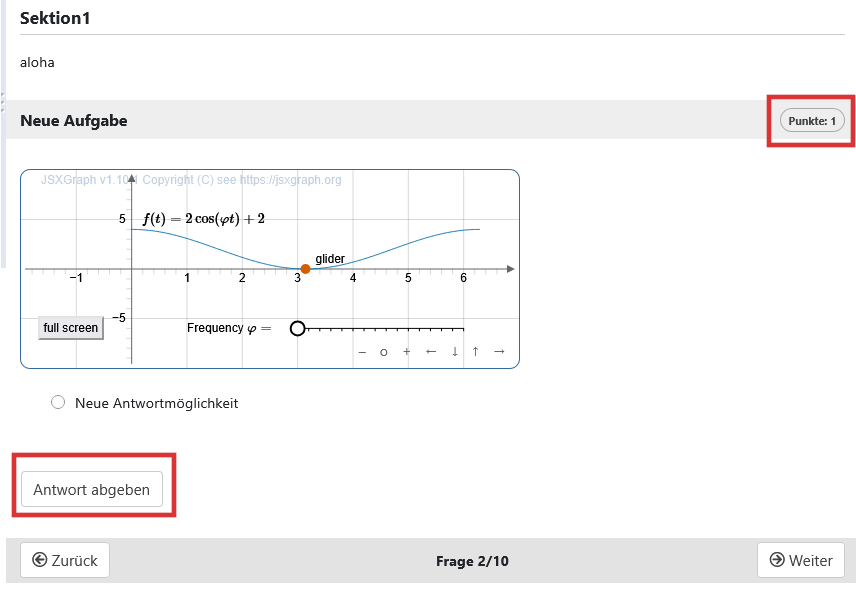
The keyboard operability of a graph depends on the content. Operation should only be possible using TAB, SHIFT + TAB and the arrow keys. Elements before and after should still be accessible.
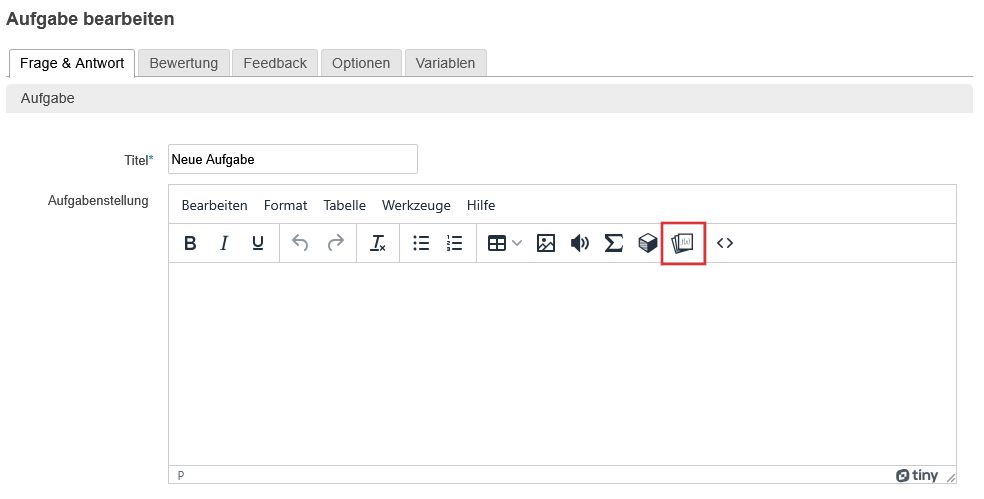
Add graphs
Edit task: Task > select the graph icon in the toolbar
Avoid keyboard traps
To avoid the occurrence of a keyboard trap, the focussing of the elements can be checked in the test preview.
- Is it possible to reach all elements in the graph and operate them using Tab, shift+Tab, arrow keys?
- Are the elements after the graph (e.g. the Next button) also accessible?